
How to use an eSIM in Japan: the complete traveler’s guide
From checking your phone before departure to switching on data at the airport, here is the calm, practical way to get connected in Japan.
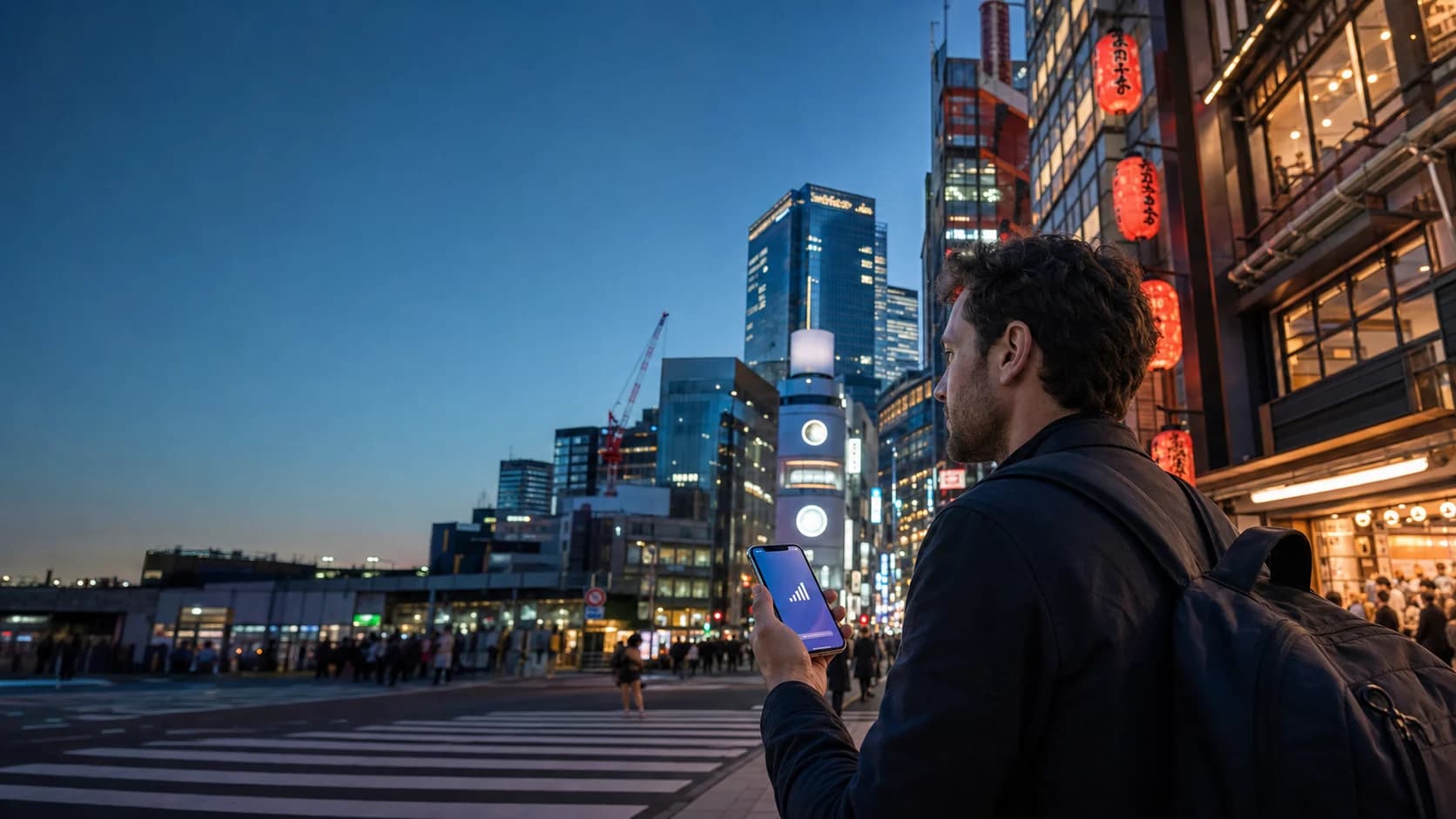
Check that your phone supports eSIM and is carrier-unlocked, choose enough data for your trip, and install over reliable Wi-Fi before departure. In Japan, select the eSIM for mobile data, turn on data roaming for that line, and give it a minute or two to find a network.
Japan is one of those destinations where a working phone earns its keep immediately. Train transfers, platform numbers, translation, restaurant queues, and hotel directions all get easier when your connection is already live. A travel eSIM lets you arrange that data before the wheels touch down, without swapping a physical SIM at the airport.
Three checks before you buy
Start with the phone, not the plan. A few minutes of checking now avoids the least enjoyable kind of arrival-day puzzle.
Confirm eSIM support
Look in your phone settings for an option such as Add eSIM, Add Cellular Plan, or SIM Manager. Support varies by model and market, even when two phones share the same name.
Make sure the phone is unlocked
A carrier-locked device may refuse a travel eSIM. Check the device or network-lock status in settings, or ask the carrier that sold the phone.
Read the activation rule
Some plans begin when they first connect in Japan; others may start earlier. Follow the timing shown with the specific plan and do not assume every eSIM behaves the same way.
How much data do you need for Japan?
There is no perfect number, but there is a useful way to think about it. Maps, messaging, tickets, and light browsing use far less data than video calls, social video, cloud backups, or tethering a laptop. Your plan should reflect your habits—not just the length of the trip.
| Travel style | Typical use | Planning range |
|---|---|---|
| Light | Maps, messages, bookings | About 0.5–1 GB a day |
| Everyday | Plus social media and music | About 1–2 GB a day |
| Heavy | Video, calls, hotspot, uploads | 3+ GB a day or unlimited |
These are rough planning ranges, not guarantees. Disable photo backups and app updates on mobile data if you want a fixed allowance to last longer. “Unlimited” plans can also include fair-use or speed policies, so read the plan details.
Install your eSIM step by step
Do this somewhere calm, with strong Wi-Fi and enough battery. Keep the QR code or manual installation details available on a second screen if you can.
- 01
Open the eSIM menu
On iPhone, look under Settings → Cellular or Mobile Data. On Android, the wording varies; look under Network & internet, Connections, or SIM Manager.
- 02
Add the new plan
Choose Add eSIM or the equivalent, scan the QR code, and follow the prompts. If scanning is not possible, use the manual address and activation code supplied with the plan.
- 03
Give the line a useful label
Name it Japan or Travel so it is easy to distinguish from your regular number when you change the data settings after landing.
- 04
Set the roles carefully
Keep your usual line as the default for calls and texts if needed. Select the Japan eSIM for mobile data when you are ready to use it, and avoid automatic data switching if you want to prevent roaming on your home line.
Keep our installation guide open while you set up.
Your two-minute arrival checklist
Once the aircraft doors open and you are allowed to use your phone, work through this short sequence:
- Turn off airplane mode.
- Enable the Japan eSIM line.
- Choose it as the phone’s mobile-data line.
- Turn on data roaming for the Japan eSIM only.
- Wait a minute, then open a simple webpage or map to test it.
What to expect from coverage in Japan
In major cities and along popular travel routes, a travel eSIM should make everyday tasks—maps, messaging, reservations, and translation—feel routine. The experience can change in rural valleys, mountain areas, tunnels, remote islands, and crowded venues. That is normal for mobile networks, regardless of how the plan is delivered.
Save key places offline
Download the area around your hotel and save its address in Japanese and English before heading out.
Treat public Wi-Fi as backup
Station, hotel, and café Wi-Fi can help, but a working data line keeps you from depending on a login screen.
If your eSIM does not connect
Most setup issues come down to one setting. Try these in order, pausing briefly after each change:
- Confirm the eSIM line is switched on.
- Confirm it is selected for mobile data.
- Confirm data roaming is enabled for that eSIM.
- Toggle airplane mode on for about 15 seconds, then off.
- Restart the phone.
- Check whether the plan instructions specify an APN or manual network selection.
Do not delete the eSIM while troubleshooting unless support explicitly tells you to. Some installation codes can be used only once, so deletion may make recovery harder.
The questions travelers ask most
Can I keep my normal SIM while using a Japan eSIM?
Usually, yes. Many dual-SIM phones can keep your regular line active for calls or texts while the eSIM handles mobile data. Check your phone’s dual-SIM settings and your home carrier’s roaming charges before leaving the regular line enabled.
Should I install my eSIM before I fly?
Yes. Install it while you have reliable Wi-Fi, save the installation details, and wait to enable data roaming on the eSIM until you are ready to use it in Japan. Always follow the activation timing shown with your specific plan.
Will an eSIM give me a Japanese phone number?
Most travel eSIMs are data-only and do not include a local voice number. Messaging and calling apps still work over data, while your regular SIM can remain available if you need to receive standard calls or texts.
Can I hotspot from a Japan travel eSIM?
It depends on the plan. Some allow tethering and some limit it, especially unlimited plans. Check the plan details before buying if you need to connect a laptop or share data with another traveler.
Make arrival day the easy day.
Compare Japan-ready plans by data, validity, and coverage, then install before you leave home.