
How much mobile data do you need for Japan?
A practical way to choose the right data allowance for Japan—without paying for far more than you need or running short mid-trip.
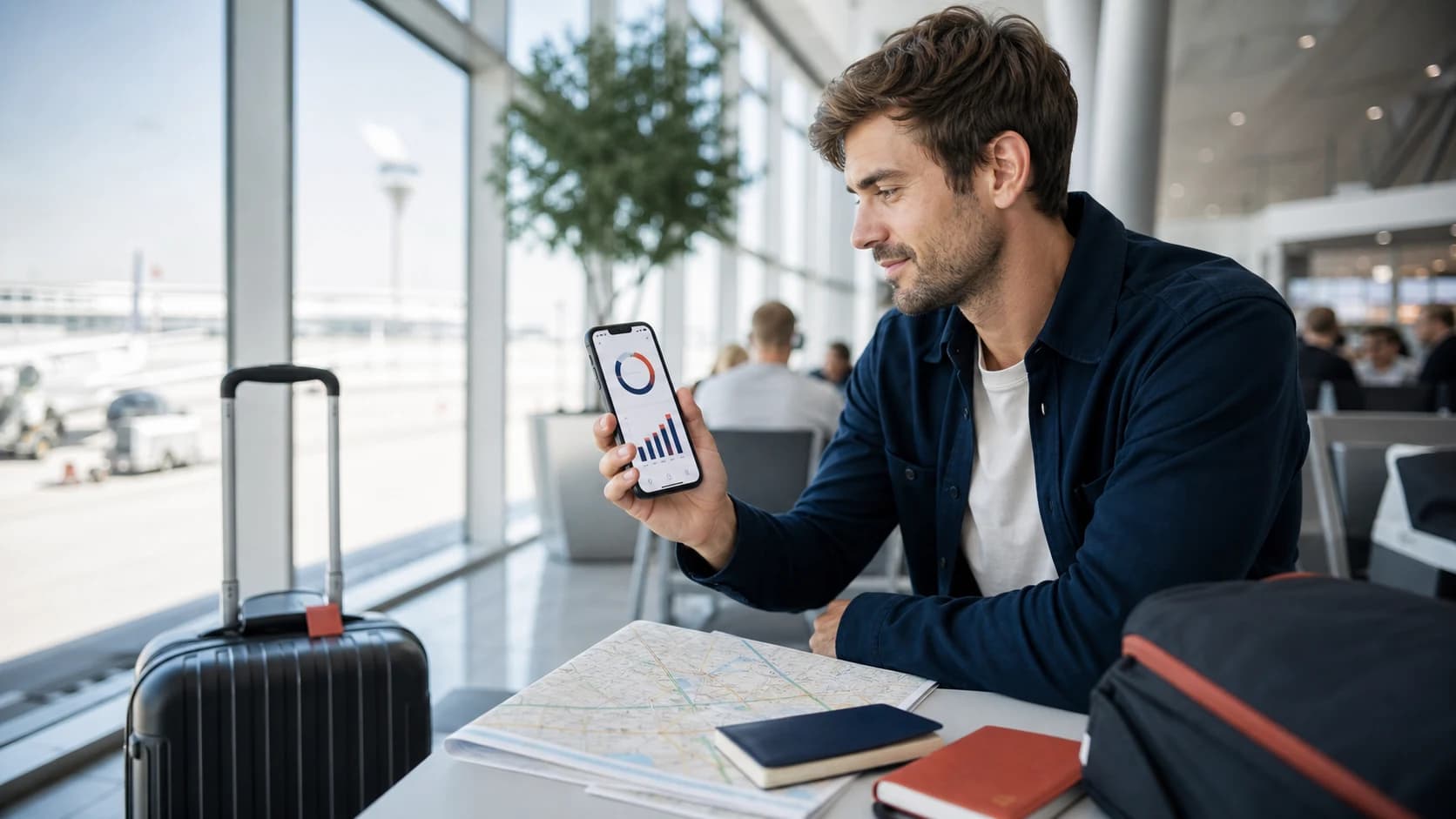
Plan around 0.5–1 GB a day for maps and messages, 1–2 GB a day for normal travel plus social media, or 3 GB or more a day if video, hotspot use, work, or cloud uploads are part of the trip. These are planning ranges, not guarantees—your habits matter more than the destination.
The hardest part of choosing a Japan eSIM is rarely coverage or installation. It is deciding how much data to buy. Too little creates a mid-trip chore; too much means paying for an allowance you never touch. A better estimate starts with what you will do on the phone, then adds a modest buffer for travel days.
Find your real travel style
Think about a typical day away from hotel Wi-Fi. If your phone is mainly a map, ticket wallet, translator, and messaging tool, you are probably a light user. Social scrolling and music move you into the middle. Video, hotspot use, and automatic uploads move you into heavy territory quickly.
The navigator
Maps, messages, train times, bookings, translation, and light browsing.
The everyday traveler
Everything above, plus social feeds, music, photo sharing, and occasional calls.
The always-online traveler
Video, frequent calls, cloud uploads, hotspot use, or working from the road.
Data for a 7, 14, or 30-day Japan trip
Multiply your daily profile by the number of travel days, then round up rather than down. Arrival and departure days can be surprisingly data-heavy because you are navigating, messaging, and checking transport while away from familiar Wi-Fi.
| Trip length | Light use | Balanced use | Heavy use |
|---|---|---|---|
| 7 days | 5–7 GB | 10–15 GB | 20+ GB or unlimited |
| 14 days | 10–15 GB | 20–30 GB | 40+ GB or unlimited |
| 30 days | 20–30 GB | 40–60 GB | High allowance or unlimited |
Use the table as a conservative shopping guide, not a promise. A week of constant video can exceed the heavy estimate, while a careful traveler using hotel Wi-Fi may finish well below the light range.
What actually uses your travel data
Data use is less about how often you touch the phone and more about what the phone transfers. Text, transit searches, and standard map navigation are relatively light. Media is where the curve rises.
The bars show relative impact, not exact consumption. Video quality, call length, autoplay settings, and app behavior can change the result dramatically.
A traveler can avoid streaming and still burn through a plan if the phone is moving data in the background. Check these settings before departure:
Photo and video backup
Pause mobile cloud uploads or limit them to Wi-Fi. A day of high-resolution photos can be larger than all your map use combined.
App and system updates
Set downloads and updates to Wi-Fi only so a large background install does not consume the plan.
Autoplay and high quality
Reduce streaming quality and turn off video autoplay in the apps you use most.
Personal hotspot
Laptops can sync files and download updates as soon as they connect. Treat hotspot use as a heavy-data activity.
Fixed data or unlimited?
Fixed-data plans make sense when your use is predictable and you are willing to check the remaining balance. Unlimited plans buy peace of mind when you use video, tether devices, work while traveling, or simply do not want data budgeting to become part of the holiday.
- You mainly need maps and messages.
- Wi-Fi covers most streaming and uploads.
- You are comfortable monitoring usage.
- You watch video or make long video calls.
- You use a hotspot or work on the road.
- You value simplicity more than precise budgeting.
Unlimited plans may still have daily high-speed allowances, fair-use rules, reduced-speed periods, or tethering limits. Compare the exact policy, not only the word “unlimited.”
Make a fixed allowance last longer
- Download offline map areas and language packs over Wi-Fi.
- Save playlists, podcasts, and entertainment before departure.
- Use lower streaming quality and disable video autoplay.
- Keep cloud backup, app updates, and large downloads on Wi-Fi only.
- Check data use after the first full day and adjust early.
Use your own phone history for a better estimate
The most accurate guide is already on your phone. Review mobile data use in your device settings and look at the apps responsible for most of it. If the reporting period is longer than a month, reset the statistics or divide the total into a daily average.
Average daily mobile use × travel days + a 20% buffer = a sensible starting allowance. Remove unusually large downloads that happened at home, then add extra room if the trip includes remote work or frequent video.
Common Japan data questions
Is 5 GB enough for one week in Japan?
It can be enough for light use—maps, messages, bookings, and occasional browsing—especially if you use hotel Wi-Fi and avoid mobile video. A traveler who uses social media, music, calls, or frequent uploads will usually want more breathing room.
Does Google Maps or another map app use a lot of data?
Map navigation is usually lighter than streaming video, but searches, satellite imagery, photos, and repeated route loading add up. Downloading offline map areas before the trip reduces both data use and the risk of being stranded with weak signal.
Do WhatsApp, iMessage, and video calls use eSIM data?
Yes. Internet-based messages and calls use the mobile data connection when Wi-Fi is unavailable. Plain text and voice calls are relatively light; photo sharing and video calls consume much more.
Can I add more data if I run out?
It depends on the plan. Some eSIMs support top-ups, while others require a new plan. Check this before buying if you prefer a smaller starting allowance with the option to add more later.
What happens when a fixed-data plan runs out?
The result depends on the product: data may stop, continue at a reduced speed, or become eligible for a top-up. Read the exact plan terms rather than assuming every fixed-data eSIM behaves the same way.
Turn your estimate into a Japan plan.
Compare fixed-data and unlimited options by allowance, validity, and coverage, then install before departure.